
New Feature
The Online Booking Dashboard Is Now Available
See how patients are booking online, track performance and revenue, and uncover opportunities to improve scheduling and practice growth.
See the Online Booking Dashboard in action
Watch the Product Spotlight video for a quick walkthrough of the Dashboard and its key widgets.
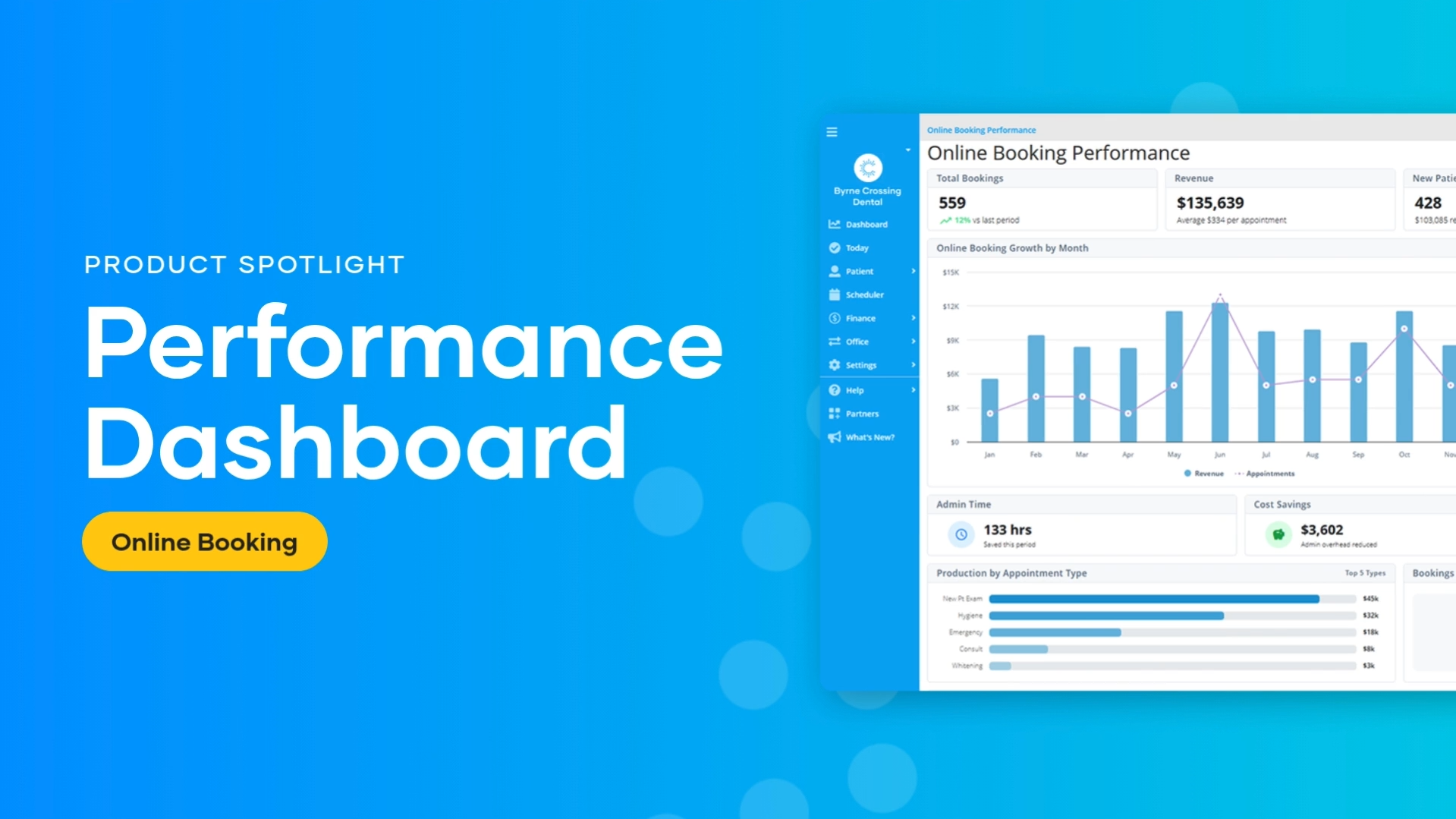
How to find the video:
- Open the ClearDent Help Centre.
- Select either the ClearDent Cloud or ClearDent On-Premise button.
- Select What’s New in the Help Centre.
- Select ⭐ New Feature! Online Booking Dashboard to view the video.
How to access the Dashboard
Follow the instructions for your version of ClearDent.
ClearDent Cloud
- From the navigation sidebar, select Dashboard.
- Select Online Booking.
ClearDent On-Premise
- From the Main Menu, select the Office menu—the blue folder icon.
- Select Online Booking Dashboard.
- Log in to your account.
Note: On-Premise practices must be using ClearDent version 10.1.206 or higher. Contact ClearDent Support if you need to update your software.
Not using Online Booking yet?
Talk to your ClearDent Account Manager to learn how Online Booking can give patients more flexibility while reducing routine scheduling work for your team.
Contact My Account Manager